You may want to download your contacts for backup or use in other programs. You can export them as CSV or XLSX in a few clicks.
How to export your contacts
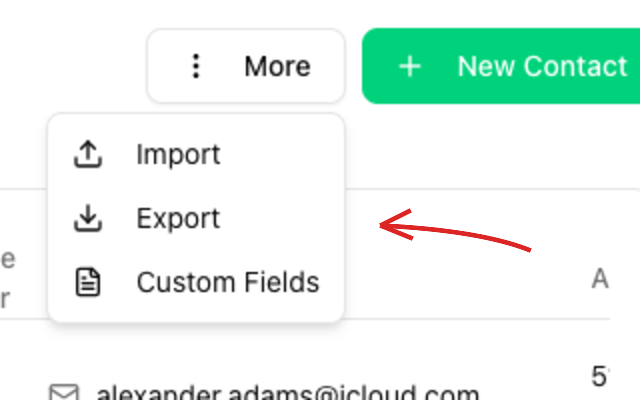
Open Contacts in the left menu and click More (three-dot menu) -> Export in the top right.
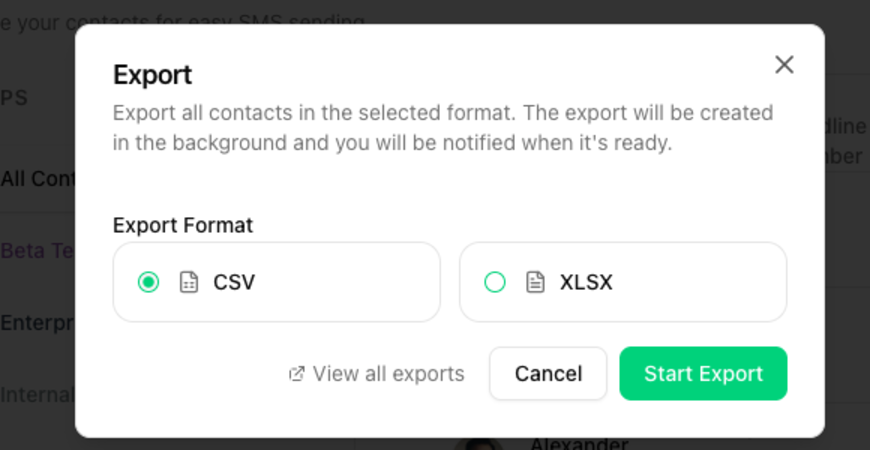
In the Export dialog, pick the Export Format (CSV or XLSX) and click Start Export. The export is generated in the background and you will be notified once it is ready.
View previous exports
Use the View all exports link in the dialog to see and download your previous exports.