You can create contacts individually or import them via a CSV file.
Adding a new contact
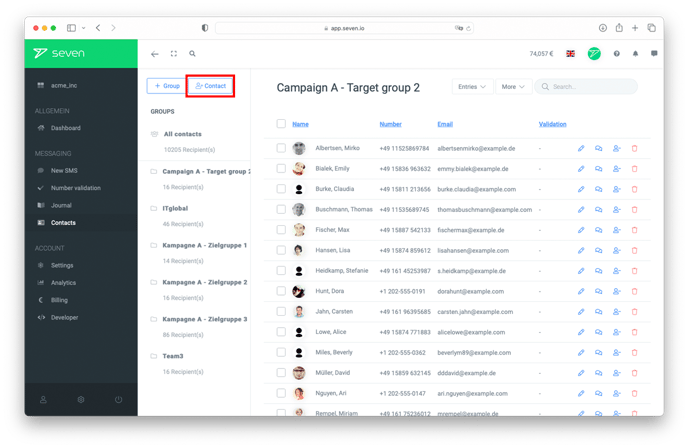
To create a single contact, open Contacts in the left menu and click the New Contact button at the top right.
In the New Contact dialog, fill in the contact details and click Create. Available fields include First Name, Last Name, Mobile Number (required), Landline Number, Email, Address, Birthday and Notes. To add more attributes, you can also use custom fields.
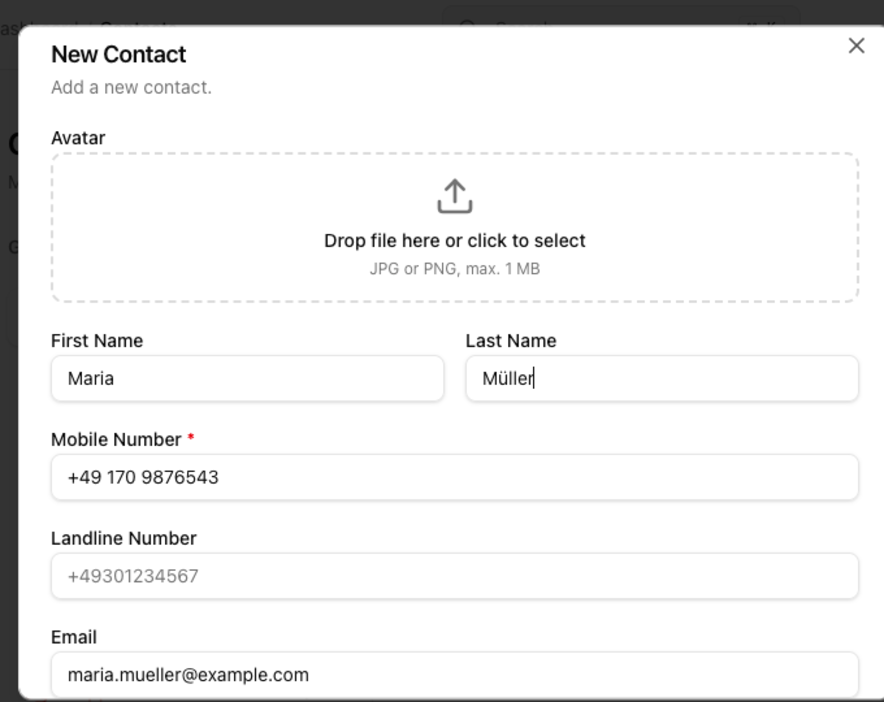
Make sure that you enter your customer data correctly.
Editing an existing contact
To change a contact's data later, click the contact in the overview to open the detail panel on the right and pick Edit. Don't forget to save your changes.
You need further help? Our support will be glad to help you.