Why Set Up a Low Balance Notification
The great advantage of a partially or fully automated SMS API is that you don't have to monitor it all the time. With automated processes, your balance may run out without you noticing, which means no further SMS can be sent.
A balance alert notifies you as soon as your credit drops below a threshold so you can top up before the next campaign hits zero.
Where to find the setting
Open Billing and look for the Settings card. Next to Balance Alert click Configure.
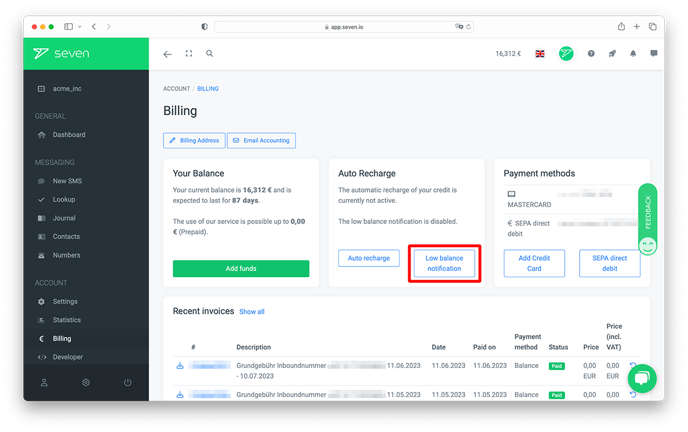
Configuring the alert
In the Configure Balance Alert dialog, toggle Enable Balance Alert on, set the Balance Threshold (e.g. 100) and add the Email Addresses that should receive the alert. Use + Add Email Address for additional recipients. Click Save to confirm.
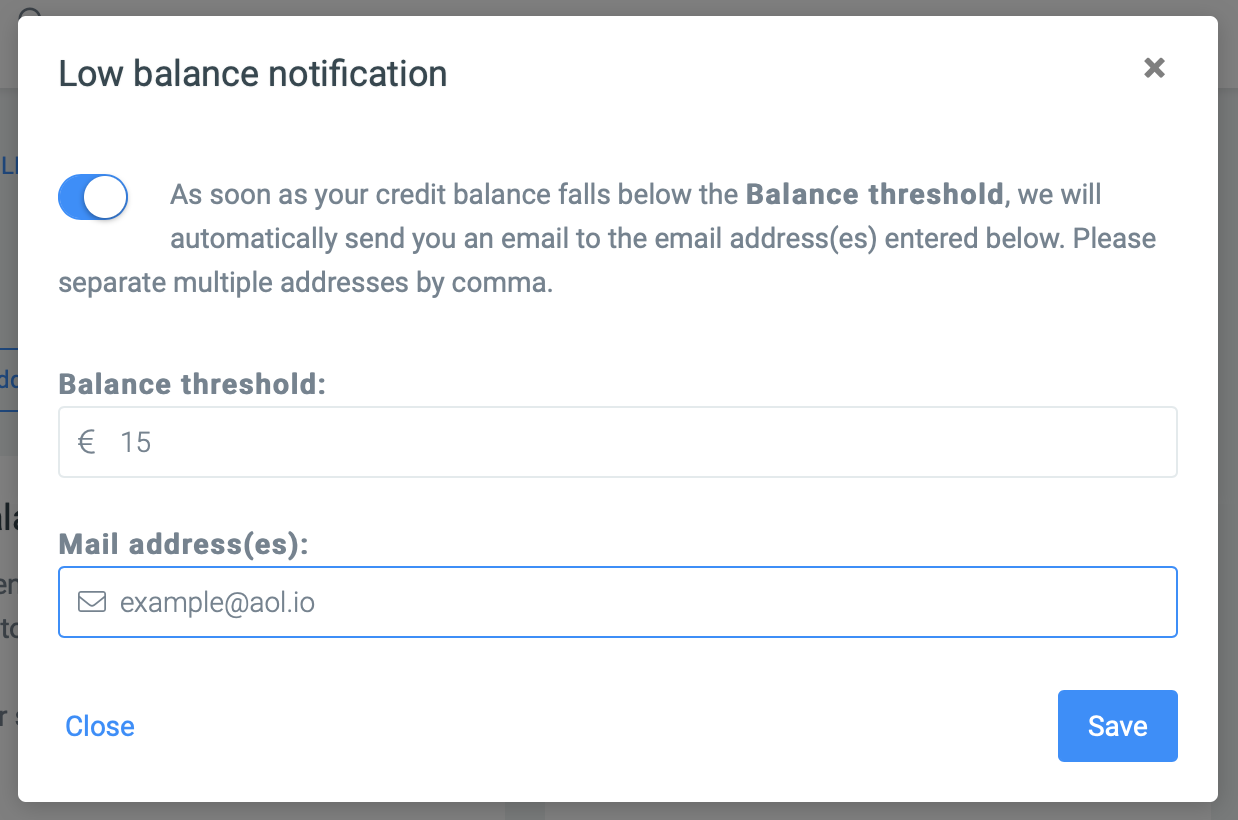
From now on you will be notified as soon as your balance falls below the specified amount.