Receiving Invoices by Email
For each payment you will receive an invoice in PDF format on your email account provided or on the email account provided for accounting purposes, if specified.
Downloading Invoices From the Dashboard
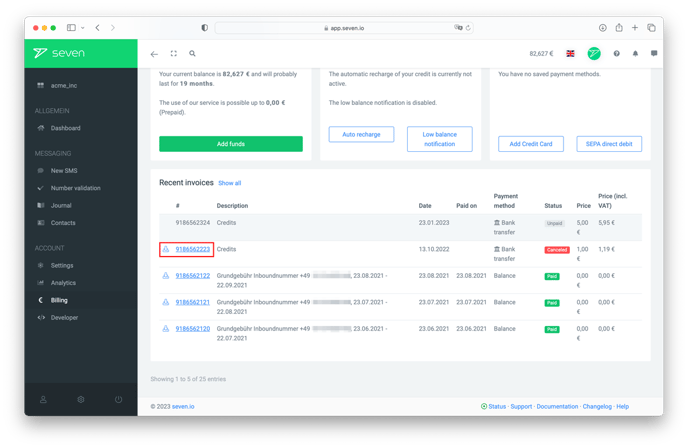
If you didn't receive the email or can no longer find it, open Billing -> Statement and click the download icon next to the invoice you need. Use Download all at the top to grab every invoice as a single zip.
Looking to change your billing address? Here's how to do that.