How to Change Your Billing Address
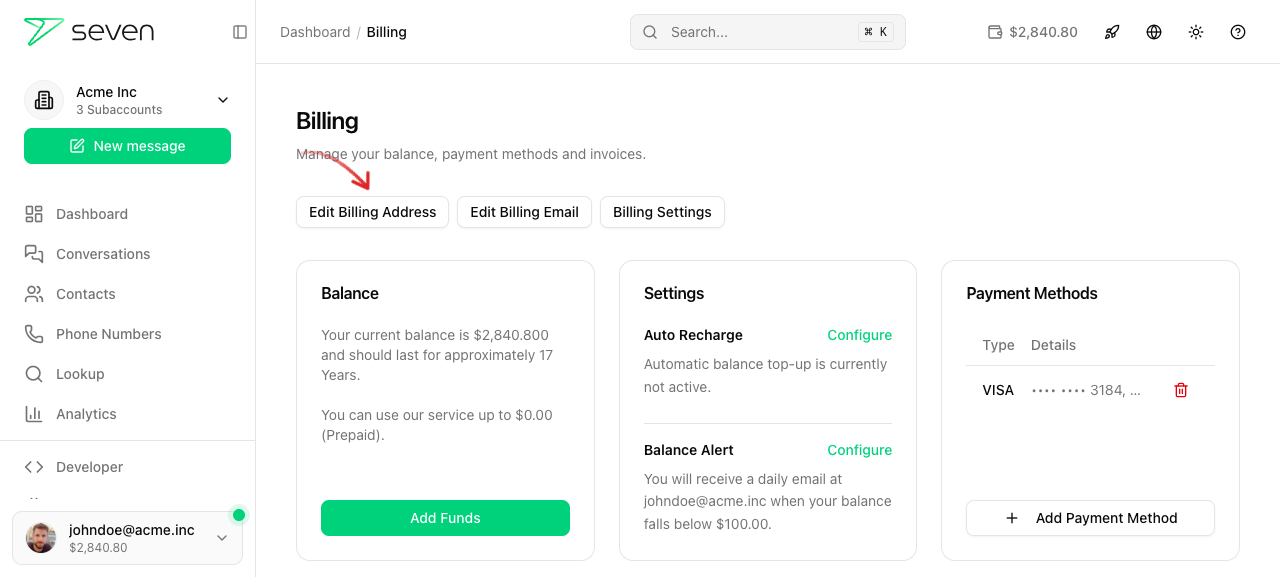
- Open the Billing page via the balance in the header or directly under
/billing. Click Edit Billing Address.
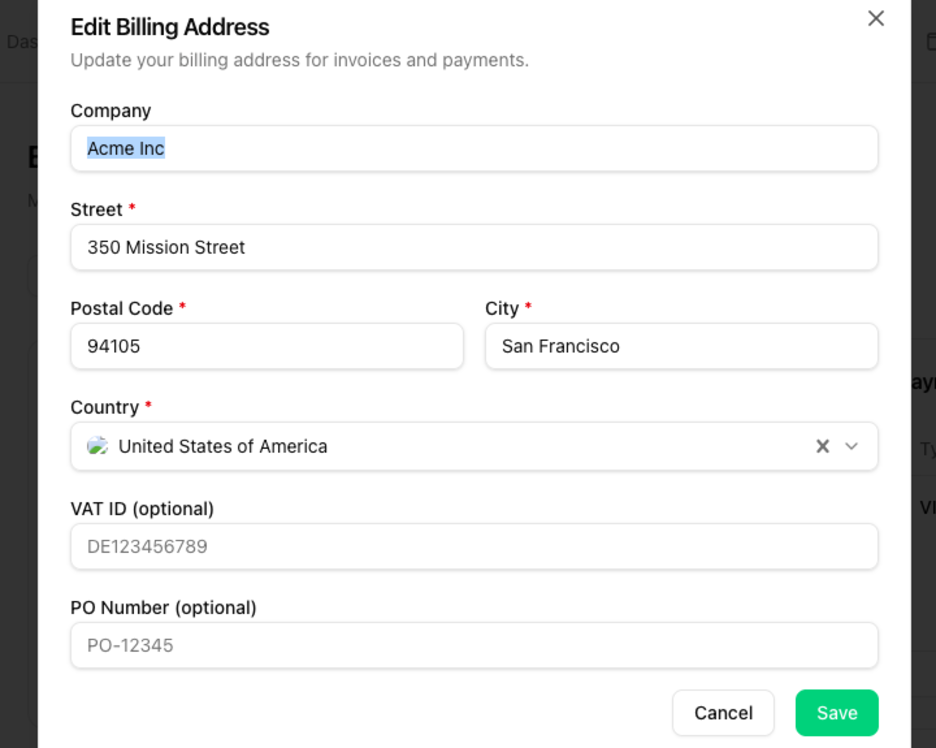
- Update your address details in the dialog and click Save.
Related Options
You would like to re-create your invoice with the updated address or cancel your invoice? You can find details in our article "Create new invoices or cancel invoices".
If you're looking to add a separate mail address for accounting, please read the article "Specify accounting mail address for billing".