Your invoices are automatically sent to the email address stored in your profile. If you want invoices to additionally - or instead - go to a separate accounting address, do the following:
Open Billing and click Edit Billing Email. In the Edit Invoice Emails dialog, use + Add Email Address to add as many additional recipients as you need.
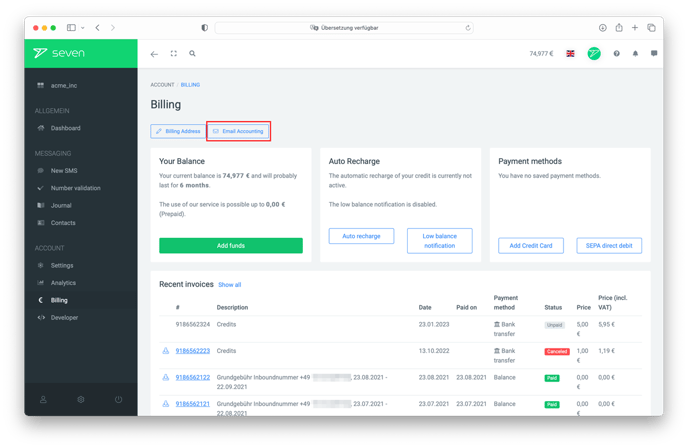
Click Save to apply the list. Future invoices are then sent to all listed addresses.
Note: If you add a different address, leave your own profile address in the list if you also want to keep receiving the invoices yourself.