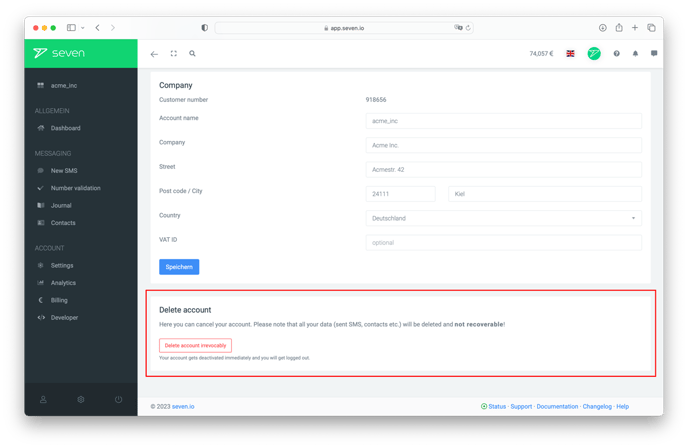
We are sorry to see you go. Please note that after deleting your account, all your data such as your contacts, phone numbers and balance will be erased irrevocably.
Steps to delete your account
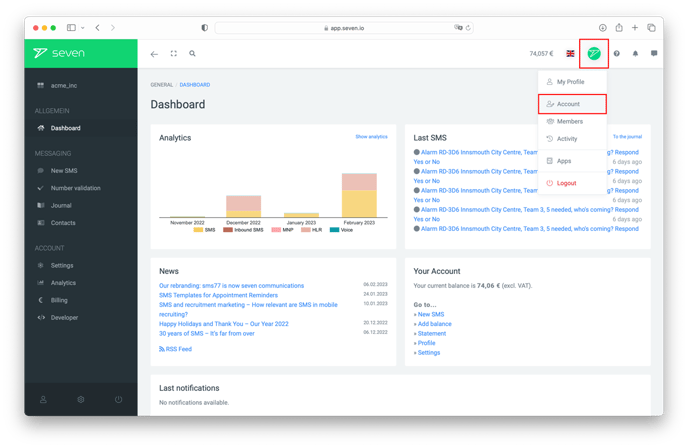
Open the Settings (via the account menu in the bottom-left sidebar or directly under /settings/security) and switch to the Security tab. Scroll down to the Danger Zone and click Delete Account.
In the Delete Account dialog, briefly tell us why you are leaving and click Next to continue the deletion flow. Follow the remaining confirmation steps to permanently delete your account.