Where to find the setting
Depending on your requirements, you can choose how long your journal entries are stored. Click your account in the bottom left of the webapp and choose Settings -> General. The setting is called Automatic Journal Deletion.
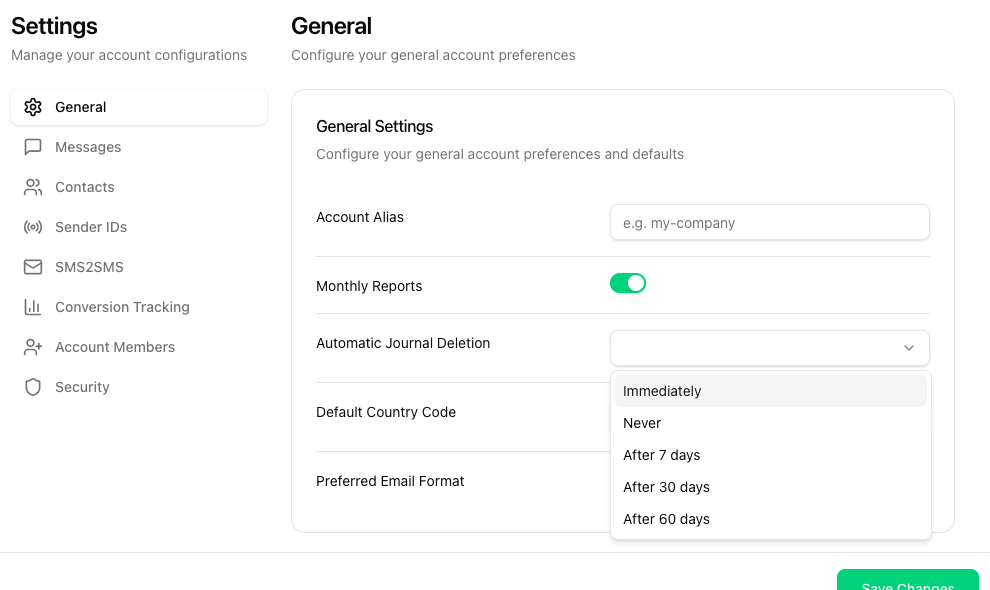
Choosing a retention period
Pick one of Immediately, Never, After 7 days, After 30 days or After 60 days and click Save Changes at the bottom of the page.
Your question was not answered? Send us a message - we will take care of it.