Delete a message
Open Conversations, pick the conversation and click the Details link below the message you want to delete.
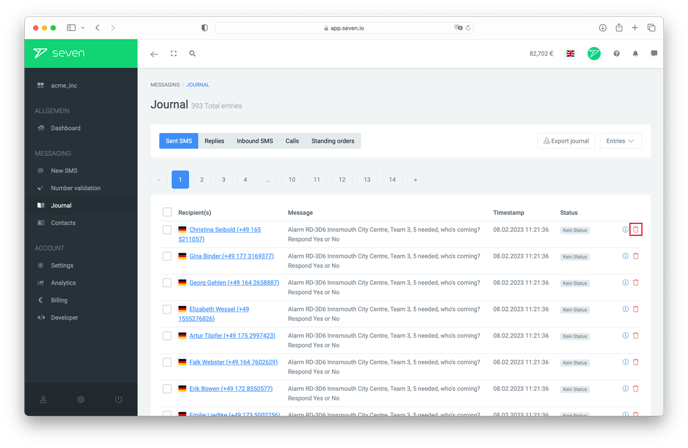
In the message details panel, click Delete. Confirm with Delete in the follow-up dialog. This action cannot be undone.
What happens to scheduled messages?
Pre-scheduled messages that have not yet been sent also appear in your conversations. If you delete such a message before its scheduled send time, it will NOT be sent.