If your inbound number has been deleted, you can reactivate it within two weeks.
Steps to Reactivate
Open Phone Numbers in the dashboard. The deleted number is shown in red with status Deleted. In the Actions column on the right, click the reactivate icon (circular arrow).
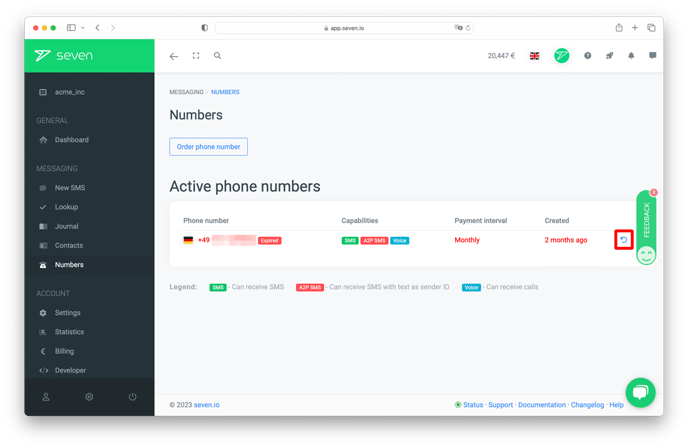
Confirm in the Reactivate phone number? dialog by clicking Reactivate.
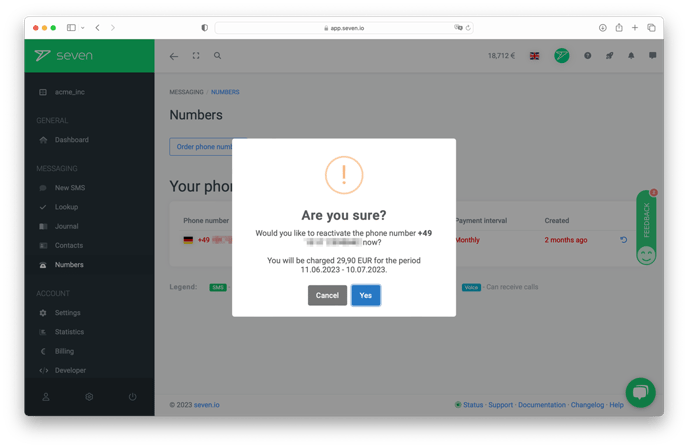
If your reactivation was successful, a confirmation will be displayed and the number returns to status Active.
Important Notes
Please note: If you reactivate your inbound number, the number will be billed as usual.