You can test the API in a sandbox environment. Requests made with a sandbox API key don't send real messages and don't use any paid products.
For information about the live test credit see Test credit.
Create a sandbox API key
Open Developer -> API Access, click Create New at the top right and pick REST API.
In the Create API Key dialog, set Environment to Sandbox, enter a Label and adjust permissions and key length if needed. Click Create API Key to create the key.
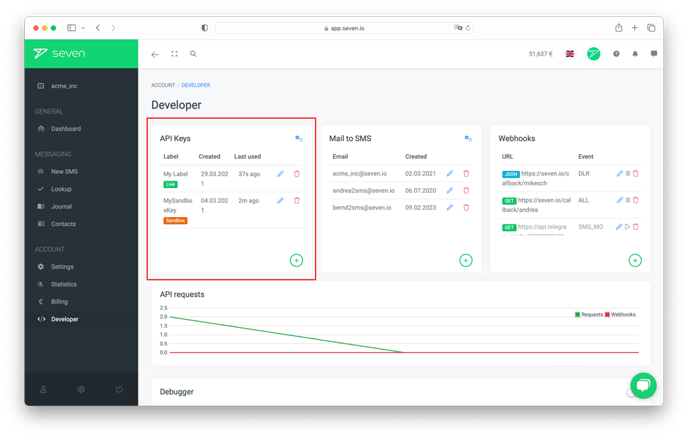
You can now use the new sandbox API key for testing.
Important notes
- A sandbox key never sends real messages and never uses any paid products.
- When going to production, switch to a Live API key.