Creating a Signature
A signature is automatically entered in the text field when you write a new message in the dashboard. This saves you from typing recurring details such as your company name every time.
Click your account in the bottom left and open Settings -> Messages. In the Message Defaults section, enter your text in the Signature field and click Save Changes.
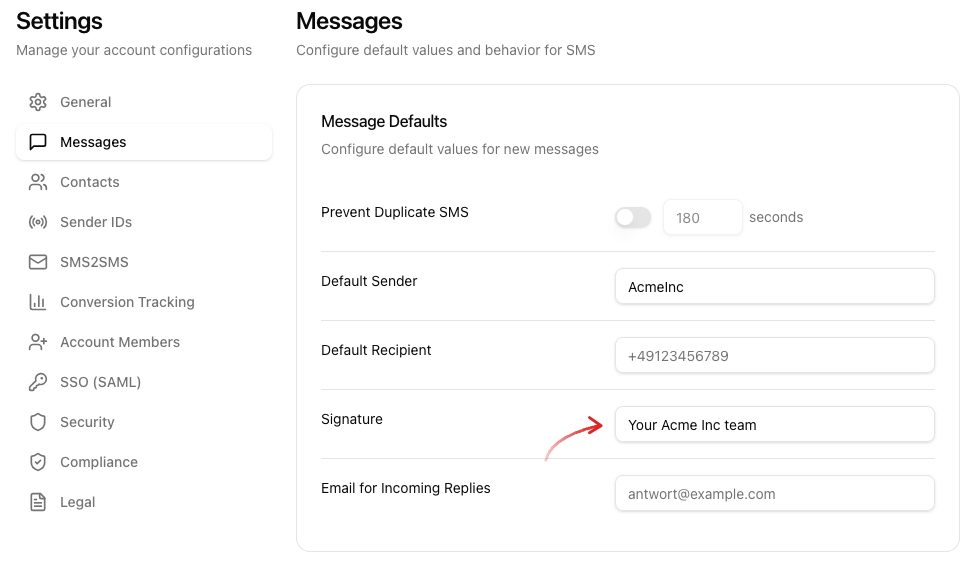
Please note that the characters of the signature count towards the characters of the SMS.
Using a Signature
Once you have saved a signature, it is already in the text field when you write a new message. You can add to it, adjust it or delete it for that message.
The signature is only pre-filled in the dashboard. It is not appended automatically to SMS you send via the API.
Removing a Signature
If you no longer want to use the signature, delete the text in the Signature field and click Save Changes.