With a Server IP Whitelist you restrict API access to specific source IPs - all others are rejected. This is optional but significantly hardens server-to-server integrations.
Set up the whitelist
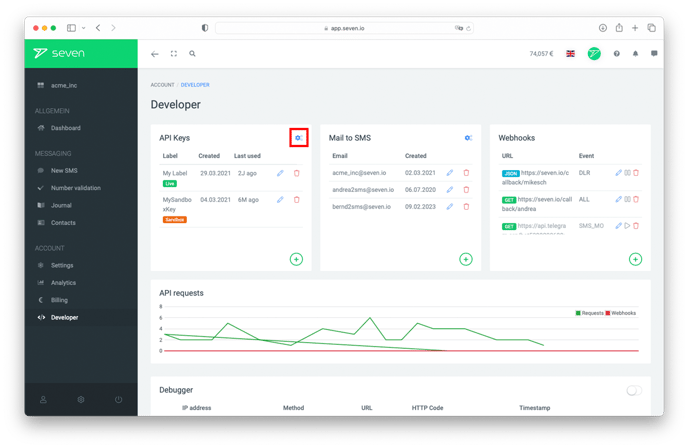
Open Developer -> Settings and expand the REST API section. Under Server IP Whitelist add one IPv4 address, CIDR block or * per line. Click Save to apply.
If you leave the field empty, API access is allowed from any address.
Error on unauthorized access
A request from an IP that is not on the whitelist is rejected by the API with error 903.